Archive for February, 2010

U.S. Mobile Content Usage

February 8, 2010

Via comScore MobiLens.

In December 2009, 63.1 percent of U.S. mobile subscribers used text messaging on their mobile device, up 2.1 percentage points from three months prior. Browsers were used by 27.5 percent of U.S. mobile subscribers (up 1.5 percentage points), while subscribers who played games made up 21.6 percent (up 0.2 percentage points).

Mobile Content Usage

Mobile Content Usage

As smartphones continue their penetration into the mobile phone user base, look for them too further mimic personal computer usage patterns.

Watch All Of The Super Bowl Ads On Advertising Age Except Google’s

February 7, 2010

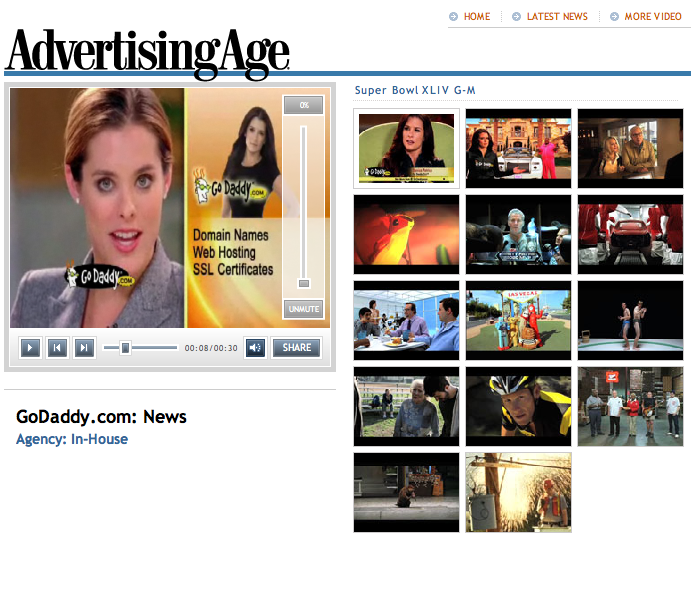
Advertising Age has a list of all the ads aired during Super Bowl XLIV.

Advertising Age

Advertising Age

However, Advertising Age has inexplicably omitted Google’s first Super Bowl ad from their list.

Surely this was unintentional on Advertising Age’s part.

Google Super Bowl Ad

February 6, 2010

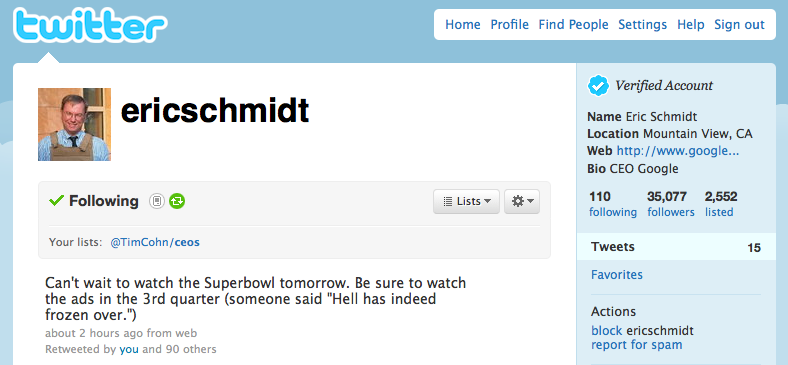
Google CEO Eric Schmidt has used his Twitter account to announce the airing of a Google commercial during the third quarter of Super Bowl XLIV.

Google Super Bowl XLIV Ad

Google Super Bowl XLIV Ad

I have done some preliminary searches on YouTube thinking maybe Google’s Super Bowl XLIV commercial had been inadvertently or purposefully uploaded to create additional buzz.

Such doesn’t appear to be the case.

TextBroker.com Copywriting Service

February 5, 2010

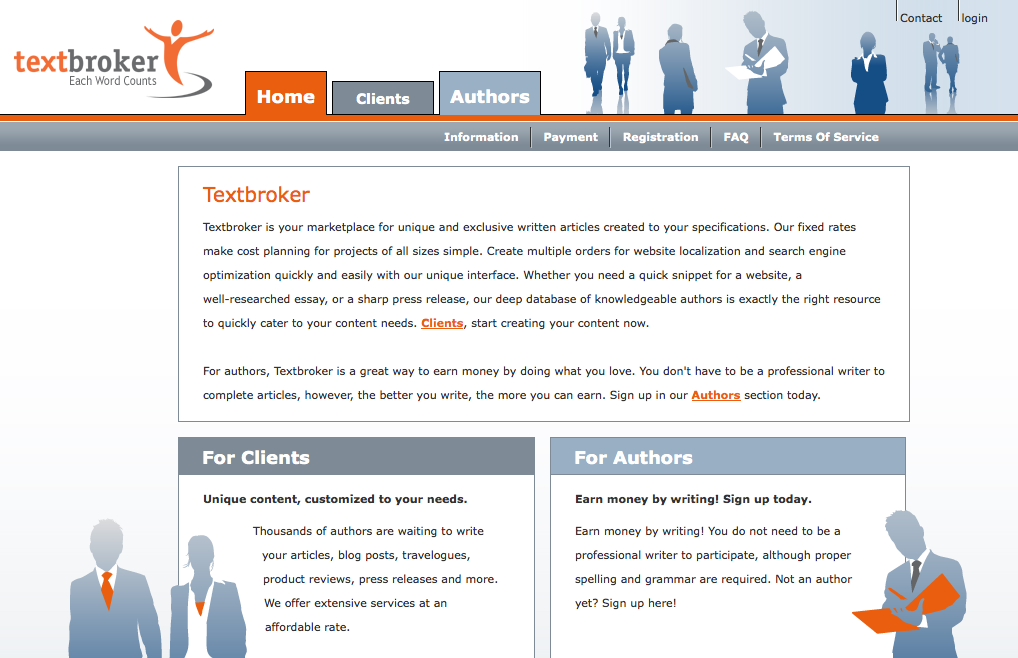
I read a TextBroker.com copywriting services review by Michael Gray at Wolf-Howl today that intrigued me.

TextBroker.com

TextBroker.com

I too have tried many copywriting services both abroad and here in the U.S. with little luck.

Gray’s trials with TextBroker.com appear to have been successful.

TextBroker.com’s sticker price also appears to be right.

The Price Is Right

The Price Is Right

Cracking the content economics code remains high on my list.

Based on Gray’s experience and TextBroker.com’s prices, I too think I will give them a try.

Why Can’t I Brand My Own Bit.ly URL Shortener?

February 4, 2010

Although shortening links with Bit.ly and sharing them on Twitter is convenient, its not quite clear to me exactly how I benefit beyond the satisfaction I receive from knowing that I have shared interesting information with others over the web.

Yes, Bit.ly provides stats which allows me to track how my links are consumed.

Yet as far as I can tell, the links I post that are found through any other method or media are stripped of its source ie., the person who thought the information was Bit.ly worthy to begin with.

Bit.ly Branding

Bit.ly Branding

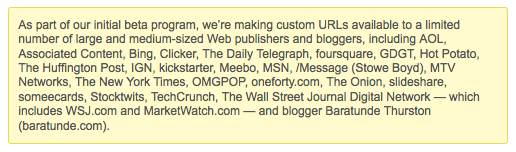
I realize Bit.ly provides “Private Label URL Shorteners” through its Pro Service Beta for medium to large size publishers.

Bit.ly sends traffic to these publishers sites via a url the publisher owns.

Bit.ly Pro Beta

Bit.ly Pro Beta

However, I think the Bit.ly Pro services could go a step further.

I would like to have my own Bit.ly url shortener under one of any of the domains I own.

For example, I would like to have a Bit.ly URL shortener for myself @ TimothyCohn.com.

Bolting on a Bit.ly shortened url to the end of my brand would be highly attractive to me and possibly other marketers and businesses.

For instance – Bit.ly would shorten this post to something like – TimothyCohn.com/b4kst.

In offering this type of branded url shortener, Bit.ly would create a Win/Win/Win:

The audience wins.

Bit.ly wins.

The link poster (brand) wins.

As it stands now, Bit.ly is only a Win/Win.

The audience wins and Bit.ly wins.

Yet, link posters (brands) don’t win because their identity is masked by Bit.ly.

Listen To Tweets On TweetRad.io

February 3, 2010

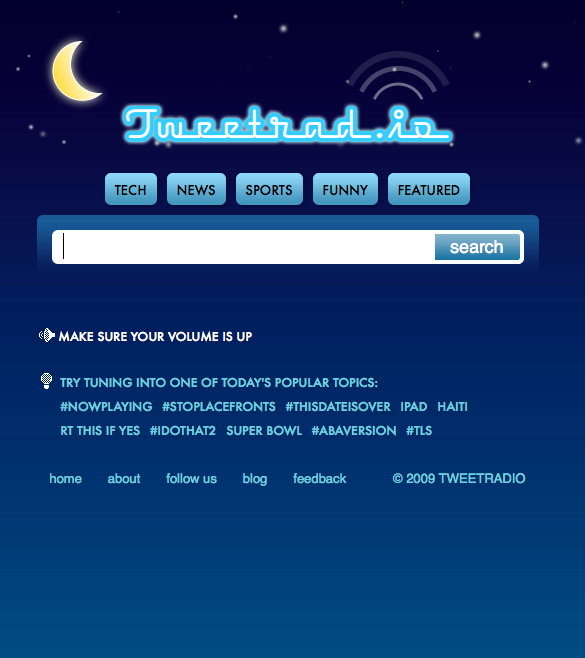
An interesting new Twitter driven service called TweetRad.io has launched.

The service converts Tweets for any Twitter related topic into a voice transcript “spoken” by a computer.

TweetRad.io

TweetRad.io

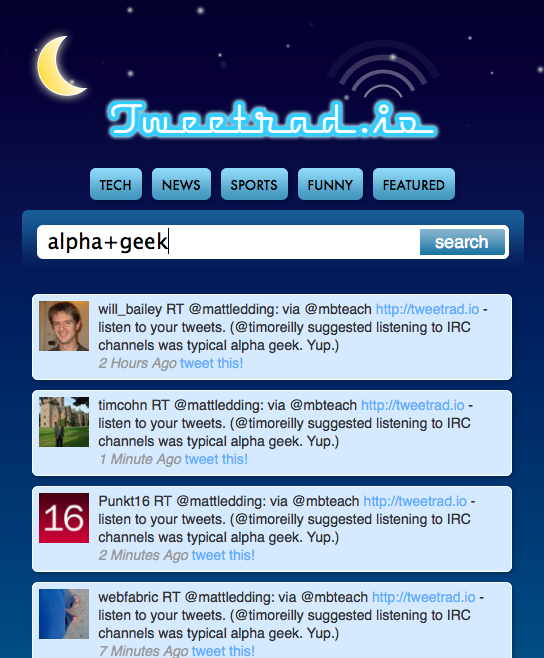
While TweetRad.io’s text to voice translation service is far from perfect, it sounds comparable to other text to voice translation services I have heard.

TweetRad.io Alpha Geek

Tweet Radio Alpha Geek

Text to voice transcription quality from services like TweetRad.io will continue to progress in lockstep with Moore’s law as computing power and services continue their migration to the cloud.

Google Web Analytics TV; Episode #5

February 2, 2010

Google Analytics experts Avinash Kaushik & Nick Mihailovski answer burning questions about Analytics and other Google tools in this video series.

Episode #5 topics covered include macro vs. micro conversions, using analytics on affiliate sites, tracking different domains, and more.

Work Faster In Google Adwords With Browser Local Storage

February 1, 2010

I was greeted by the following announcement in my Google Adwords account today.

Work Faster In Adwords

Work Faster In Adwords

Google has built some improvements into AdWords to help their advertiser’s data load more quickly.

This new feature takes advantage of the Google Gears plugin to store a copy of an Adwords account’s data on any computer.

Google Gears

Google Gears

Each time a Google Advertiser accesses their AdWords account, data loads directly from their computer, making the Adwords experience much faster.

From Google Adwords help:

How does Browser Local Storage work?
When local storage is enabled, Adwords will store your account data on your computer the first time it loads. After that, when you change views (selecting a different campaign or ad group, for example, or sorting by a different column), your data will load directly from your computer; you no longer have to wait for the data to download from our servers.

Data will be stored on my computer — does this mean the data I see in AdWords will be outdated?

No. AdWords will make sure your data is always fresh, and retrieve the latest statistics while you work. However, as is the case in AdWords, clicks and impressions received in the last three hours may not be included in your display immediately.

Where is my data stored?

Your data is stored on your computer via Google Gears, in the same way that your browser stores cookies. Others who use your computer with different usernames won’t be able to access your data.

How do I disable local storage?

Simply click the green check mark icon next your email address in the upper right-hand corner of your browser. Next to Local account data is enabled, click the Disable link. Local storage will be disabled and all your local data will be deleted.

What happens if I use AdWords on a different computer?

You’ll need to enable local storage on each computer you use. Remember, a copy of your account data will be stored in your browser, so be aware of enabling local storage on a shared computer.

To get started using Browser Local Storage for Google Adwords, click here for instructions.